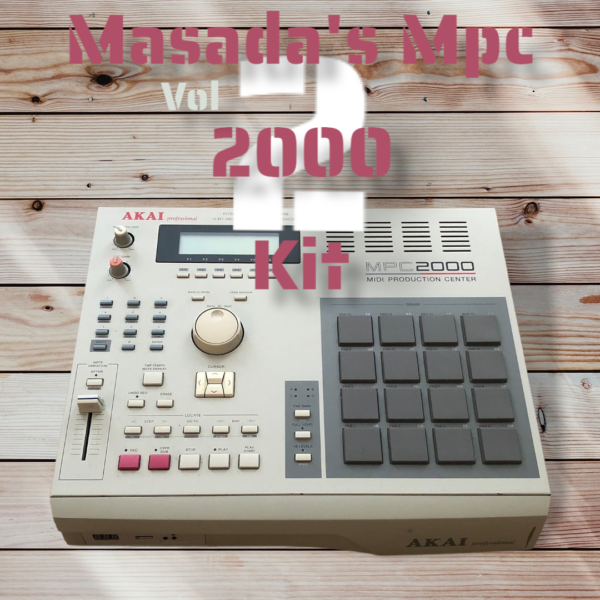
Masada Cycle Kit Vol.2 (Ableton Live)
Use these sounds in your beats, songs and releases, royalty-free. Just don’t resell or give away the sounds themselves. No refunds on digital downloads.
Contains two Modes Standard & Enhanced
Installation Instructions
• Double click the Ableton Live Pack “MCKv2.alp” • Choose an install location to save “Masada Cycle Kit v2 Project”. Choose a location from where you will prefer to access the drum rack presets (i.e. where you keep your user live packs, custom drum racks or your user library). • You can now access the 22 drum rack presets via the enclosed project or via Ableton’s browser by navigating to wherever you saved the “Masada Cycle Kit v2 Project” and clicking on the “Presets” folder. • If you choose to move the presets from the project folder to a custom location, please be sure to leave the samples folder in the original install location or else you may have to relink the samples manually when calling up a preset.
User Library Location (these are the default locations, depending on your custom settings these may be different) Windows XP Documents and Settings[username]My DocumentsAbletonUser Library Windows Vista, Windows 7, Windows 8 Users[username]DocumentsAbletonUser Library Mac OS X /Users/[username]/Music/Ableton/User Library/
Thank you for your support,Masada
The Masada Cycle Kit Vol. 2 was created by Masada (https://thecyclekit.com) and converted to Ableton Format by DiViNCi (http://divincimusic.com)
ALL SALES ARE FINAL ON DIGITAL CONTENT
Won't work in Mpc!