01 · CAPTUREIN DEVELOPMENT
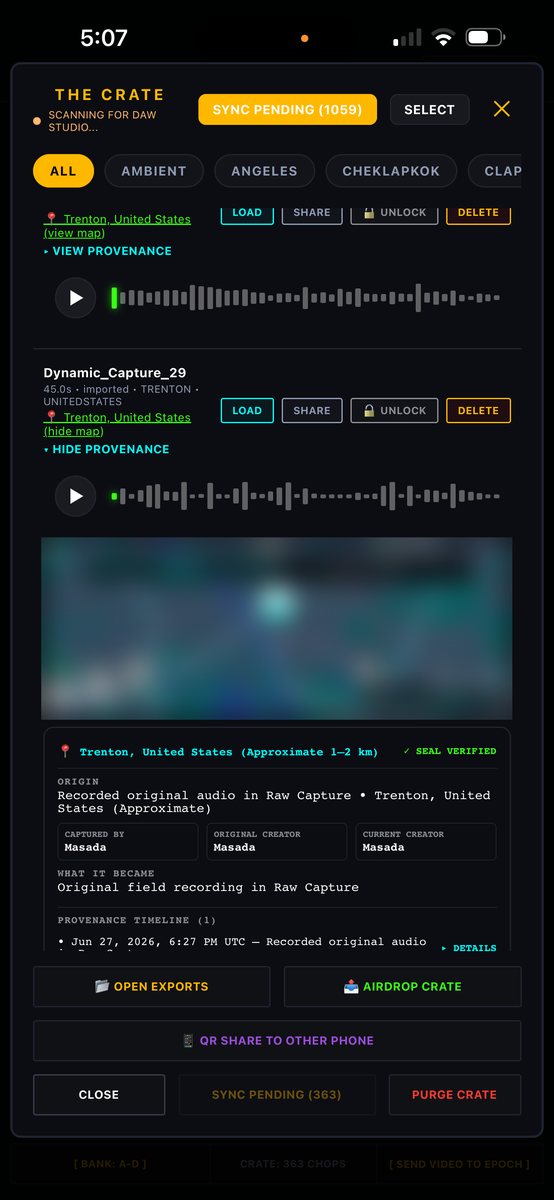
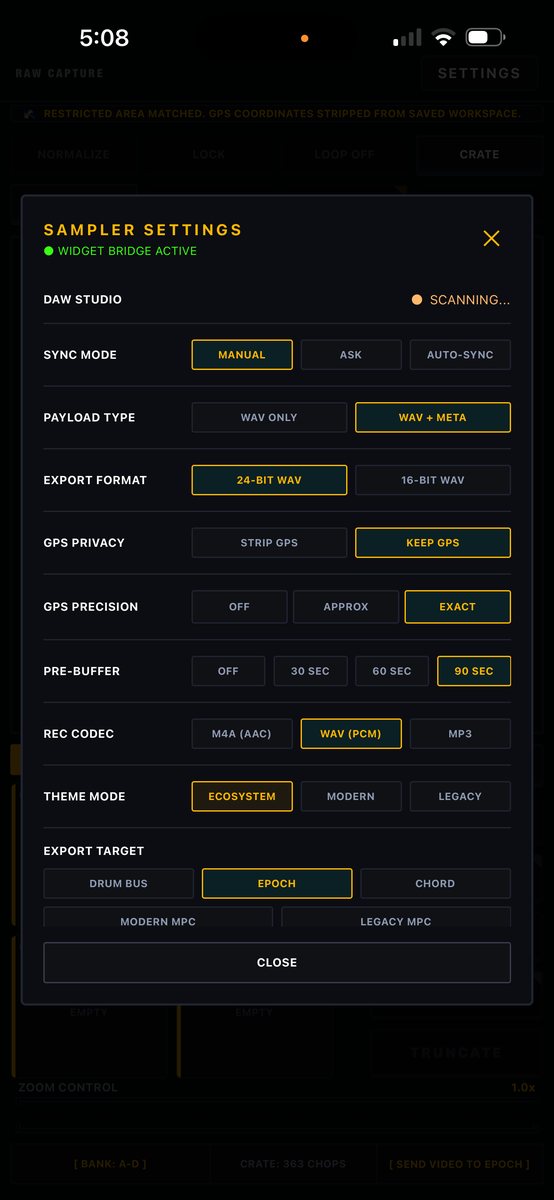
Raw Capture
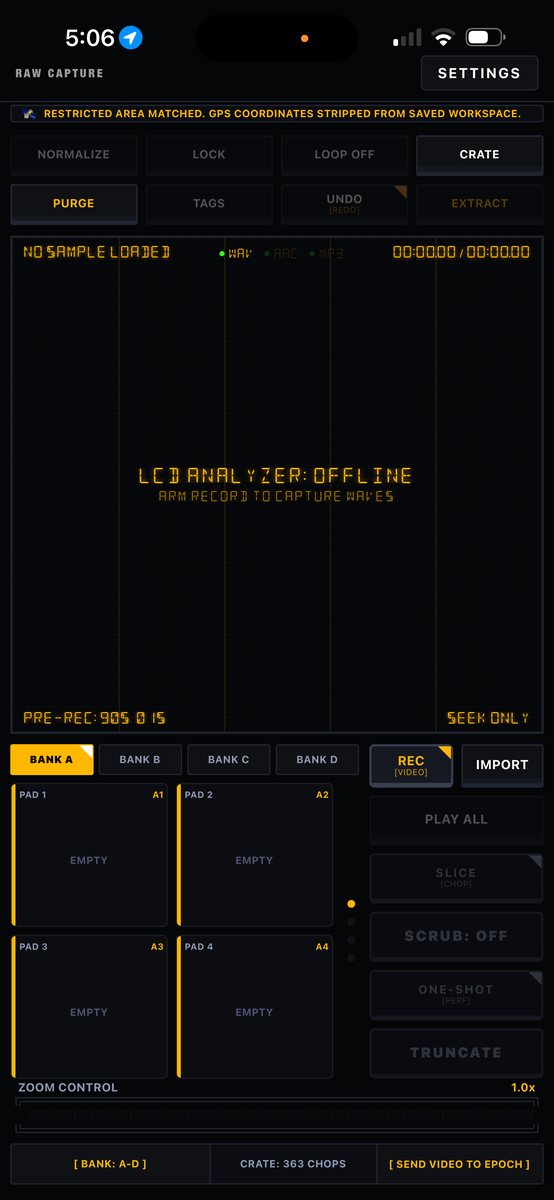
A field recorder for your phone that is always listening back. Press record and keep the seconds before you pressed it, then send the sound straight to Archive Drum Bus.
Instruments, plugins and sound kits from Masada. Ten years of making sounds for beat makers, and every new instrument keeps a record that proves you made each sound.
Instant download. Everything you buy lives in My Products, ready to download again any time.
Browse the whole store · 78Capture a sound anywhere, shape it into drums, then compose with it. The three instruments pass each sound along with its history attached.
A field recorder for your phone that is always listening back. Press record and keep the seconds before you pressed it, then send the sound straight to Archive Drum Bus.
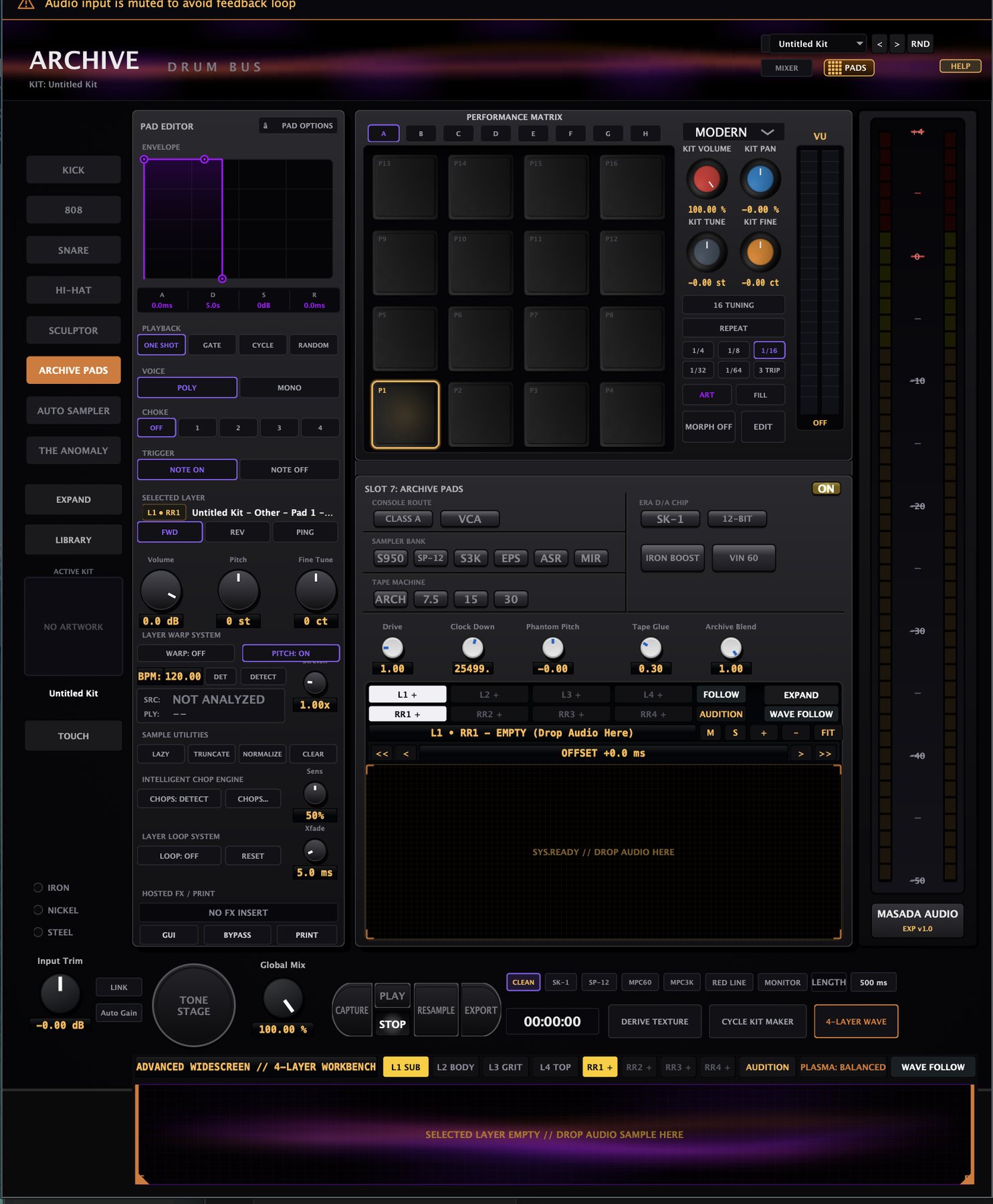
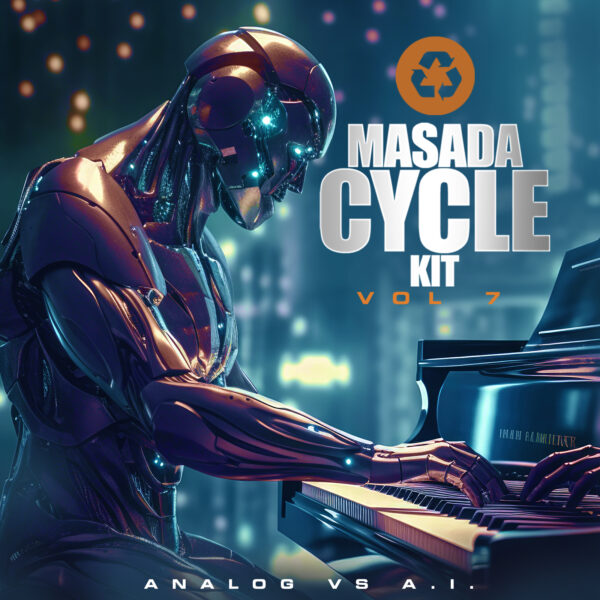
Where drums get regenerated, shaped and molded. Build your own expansions with cover art, export to the samplers you already use, and keep a record of every change. Ships with the Cycle Kit library.
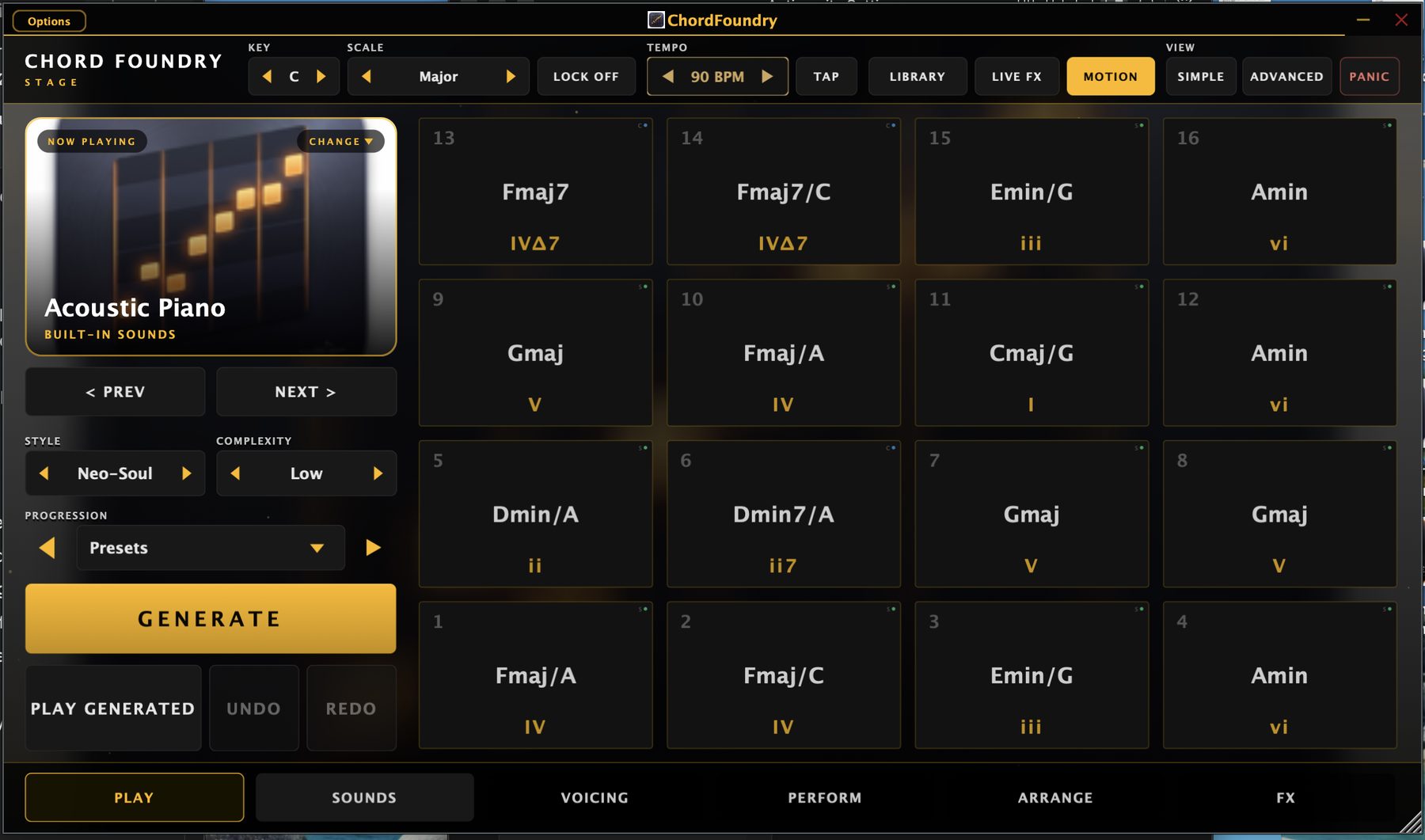
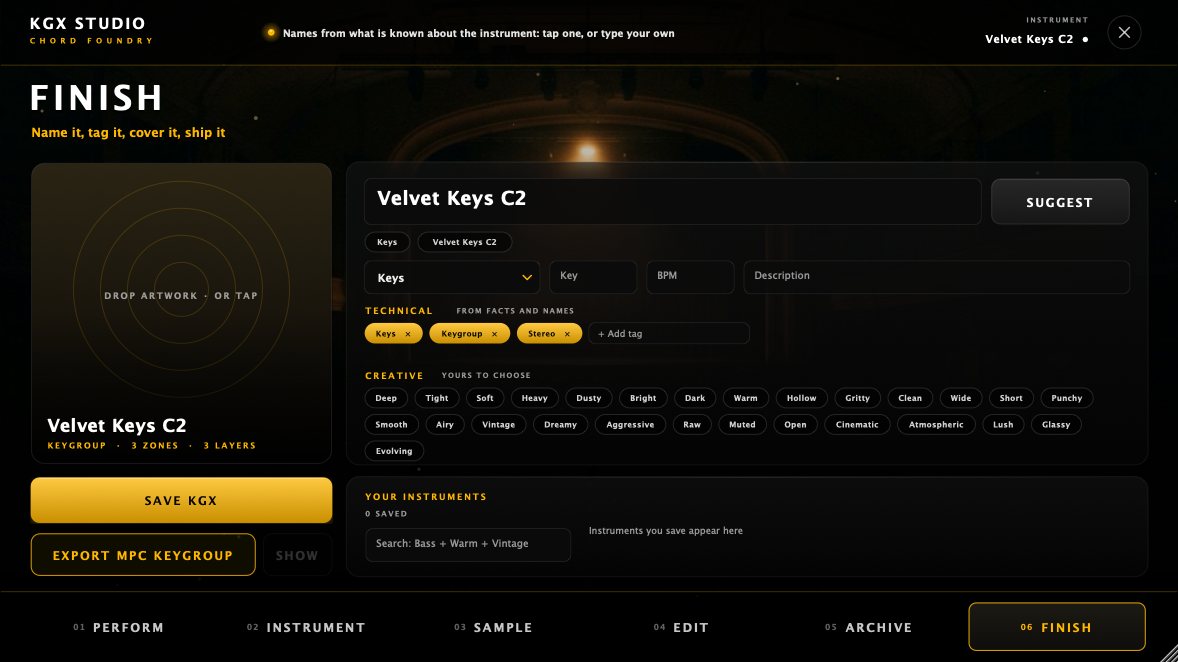
Chords built from years of Masada progression packs, with bass, guitar and keys instruments in one place. New expansions arrive straight inside it.
One email when each instrument is ready. Nothing else.
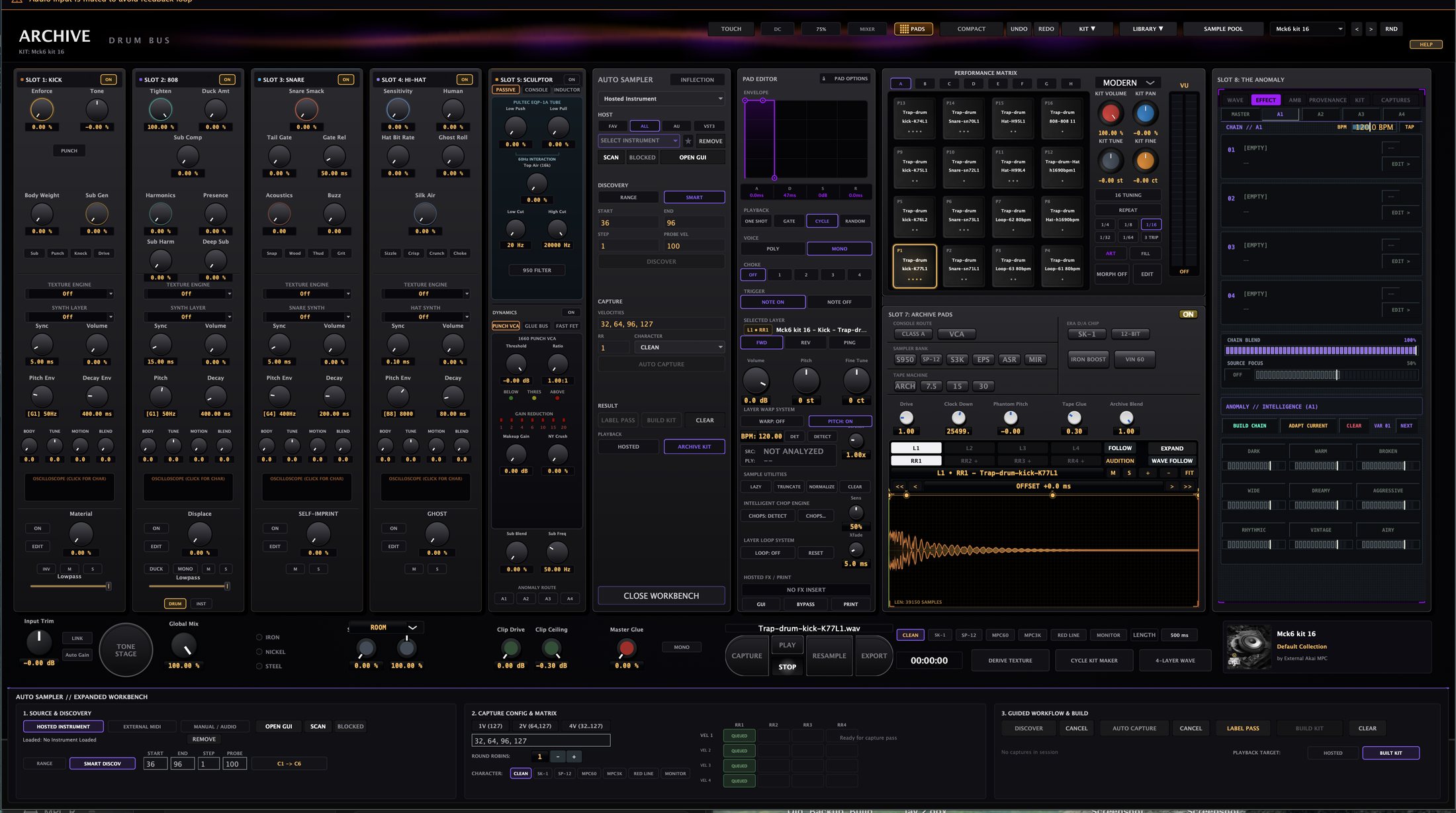
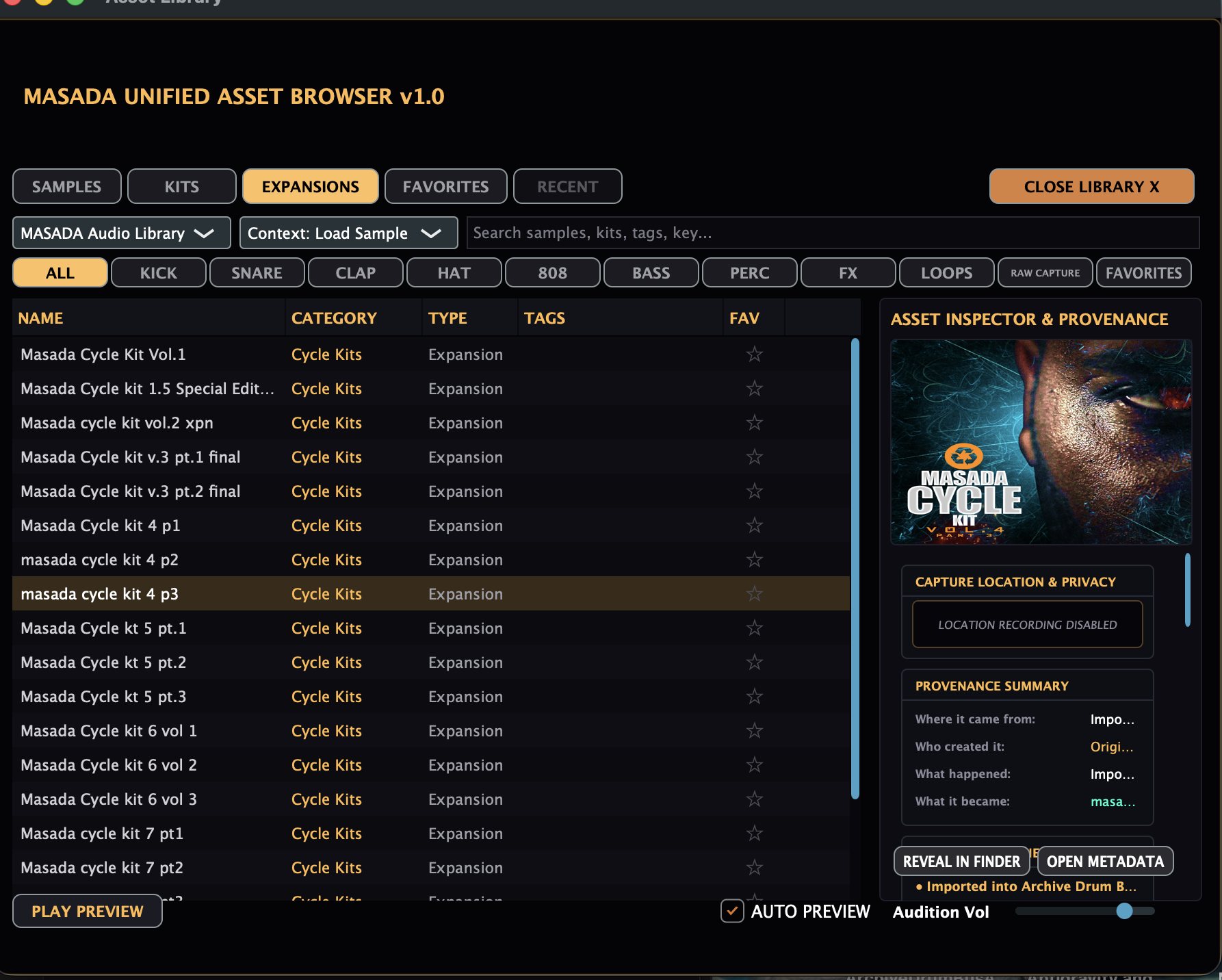
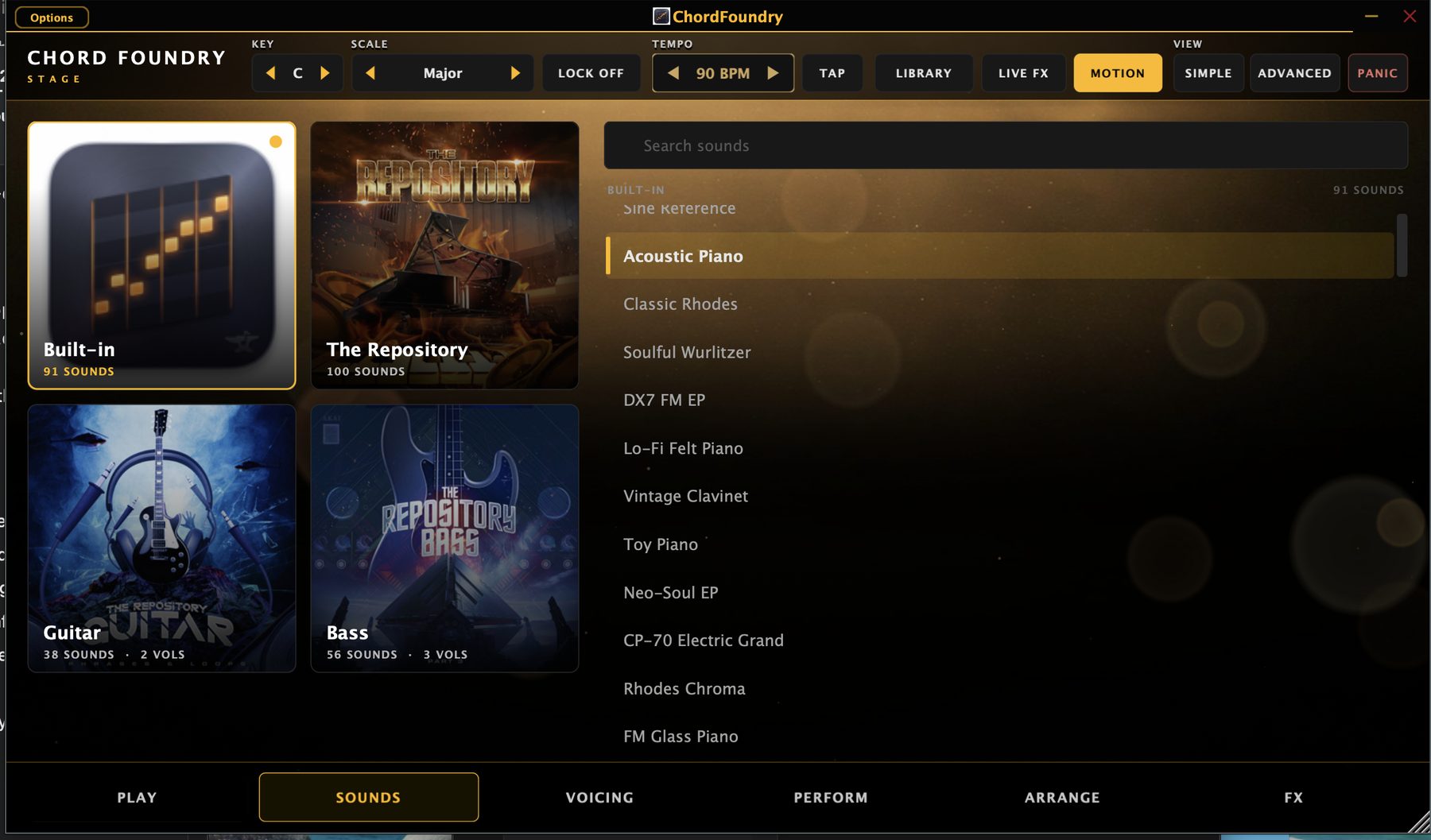
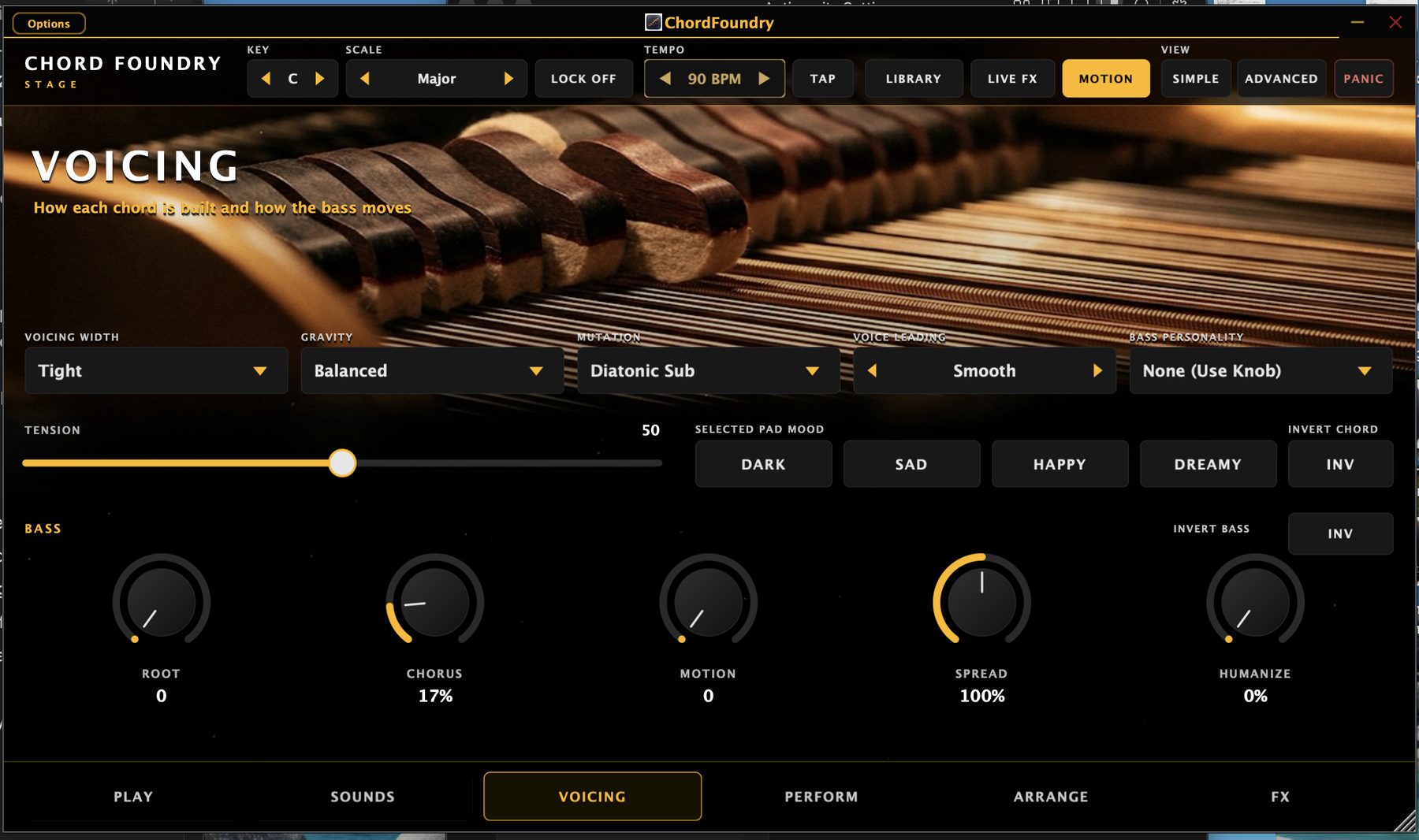
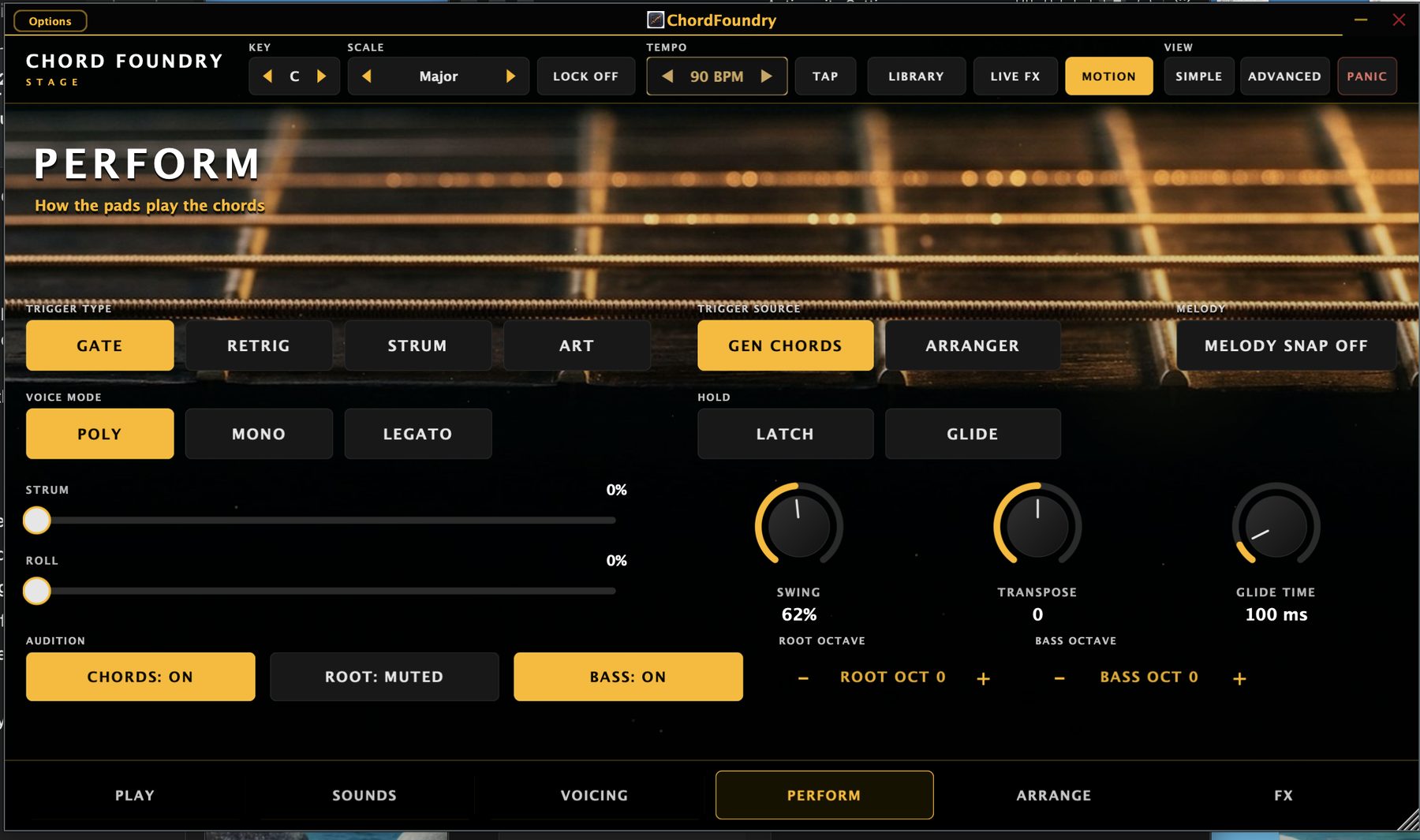
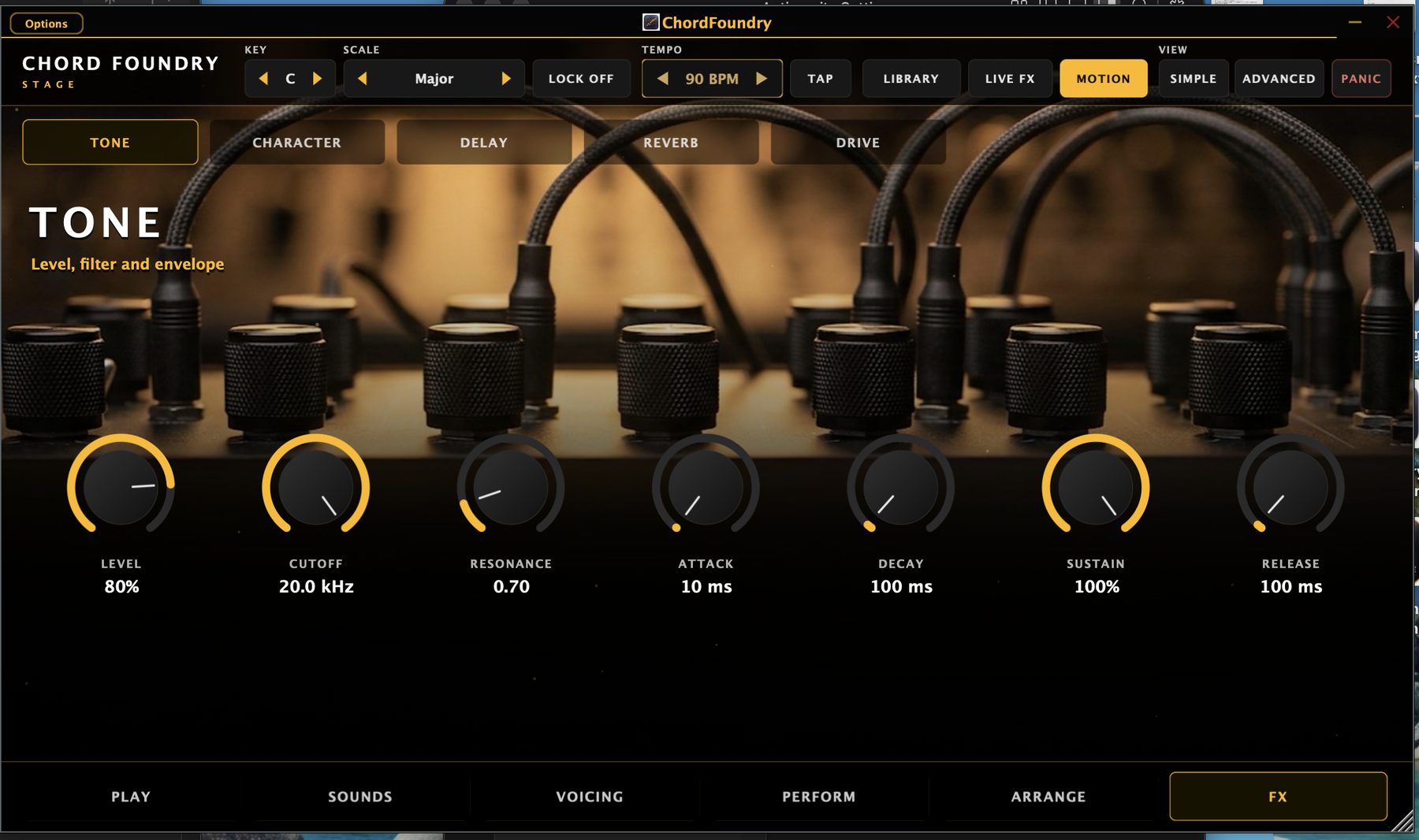
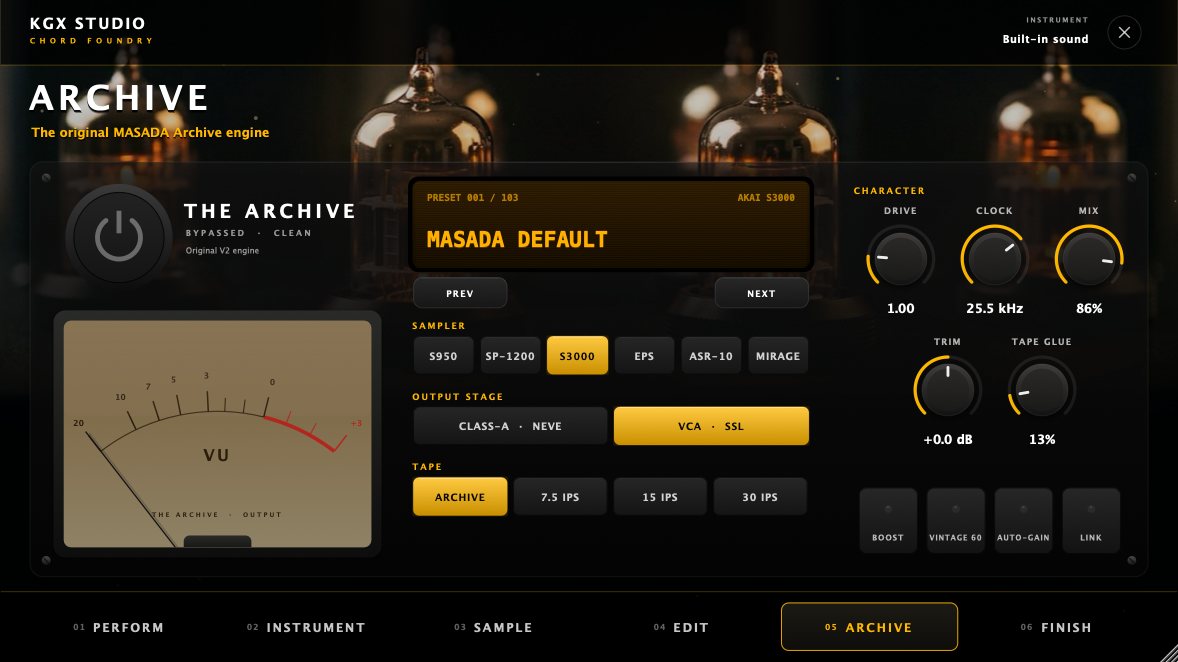
Inside Chord Foundry. Start from a sample, shape it into a playable instrument, run it through The Archive, then name it, tag it and save it.
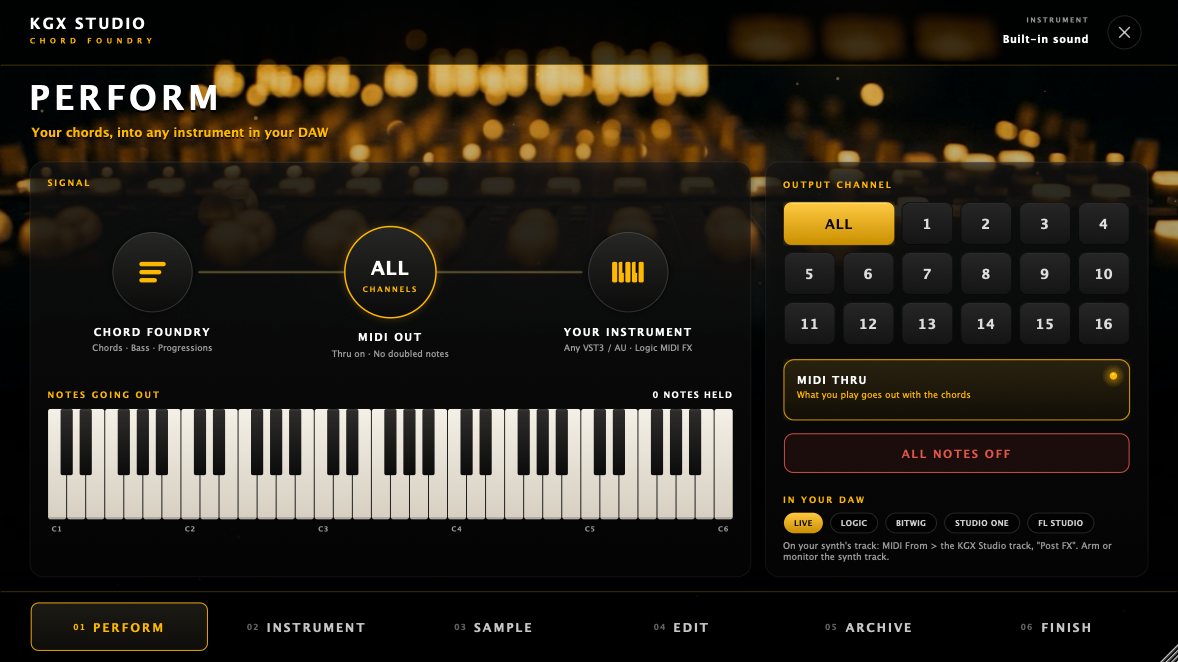
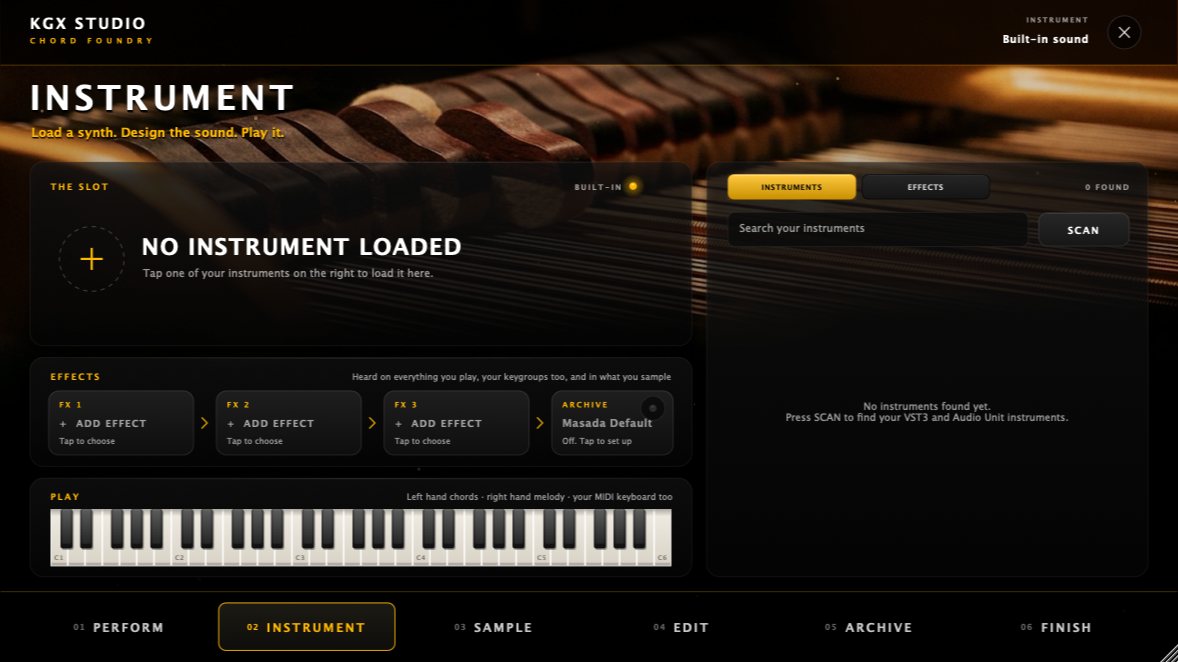
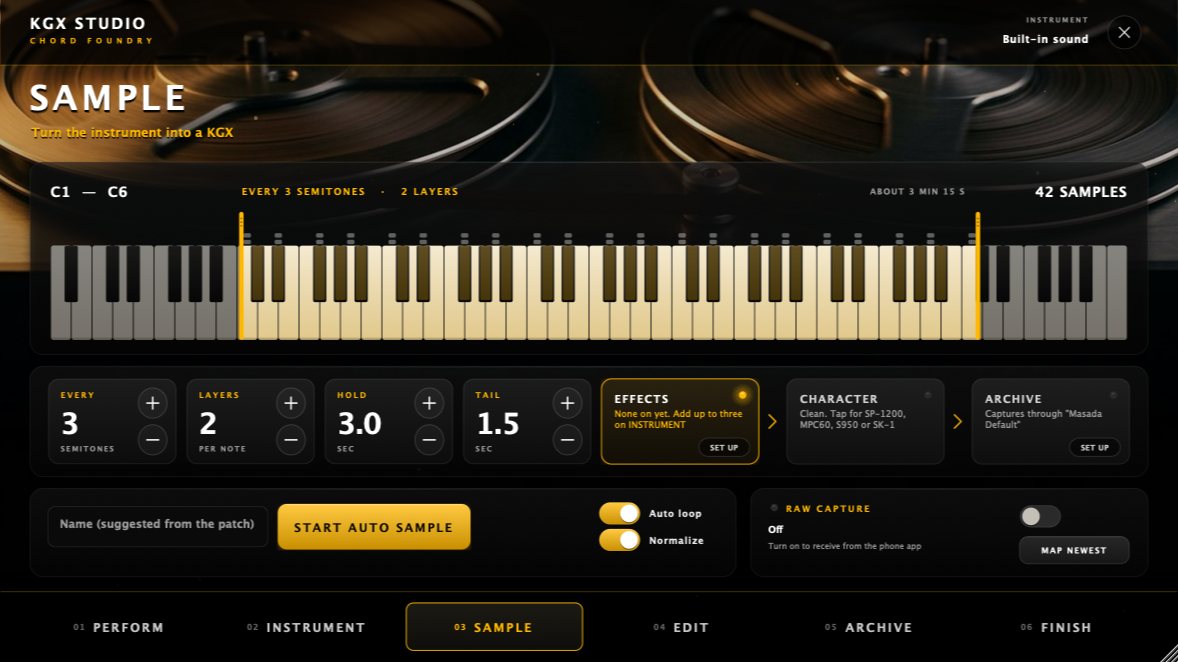
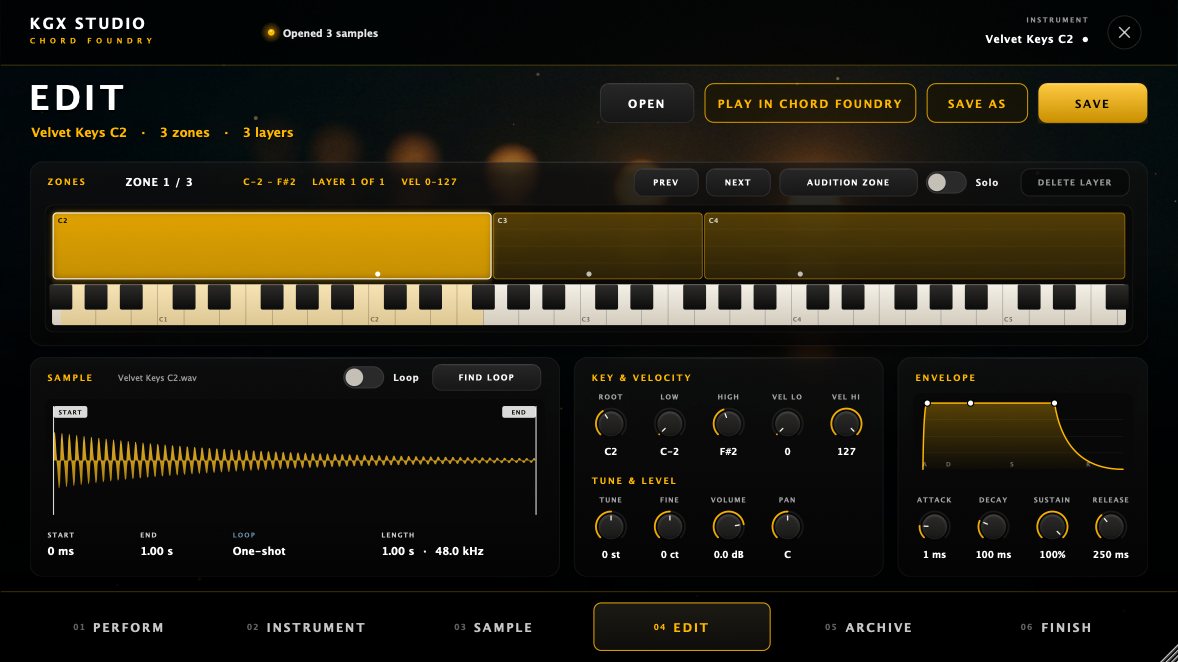

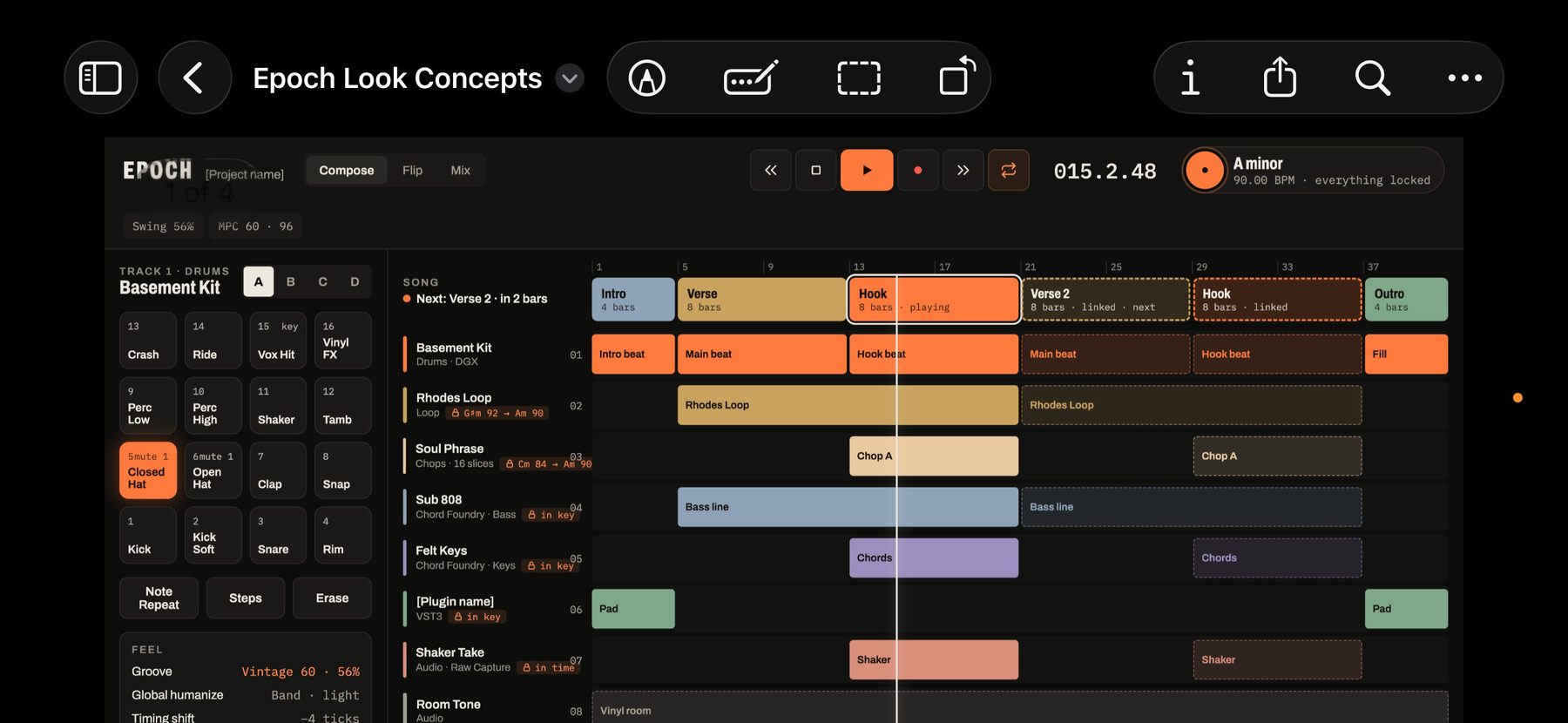
The beat-making studio from Masada Audio. Sample it, chop it, play it in key and in time, arrange it, mix it, master it and perform it, all in one full-screen app. It plays Raw Capture sounds, Archive Drum Bus kits, Chord Foundry and your plug-ins in one engine.
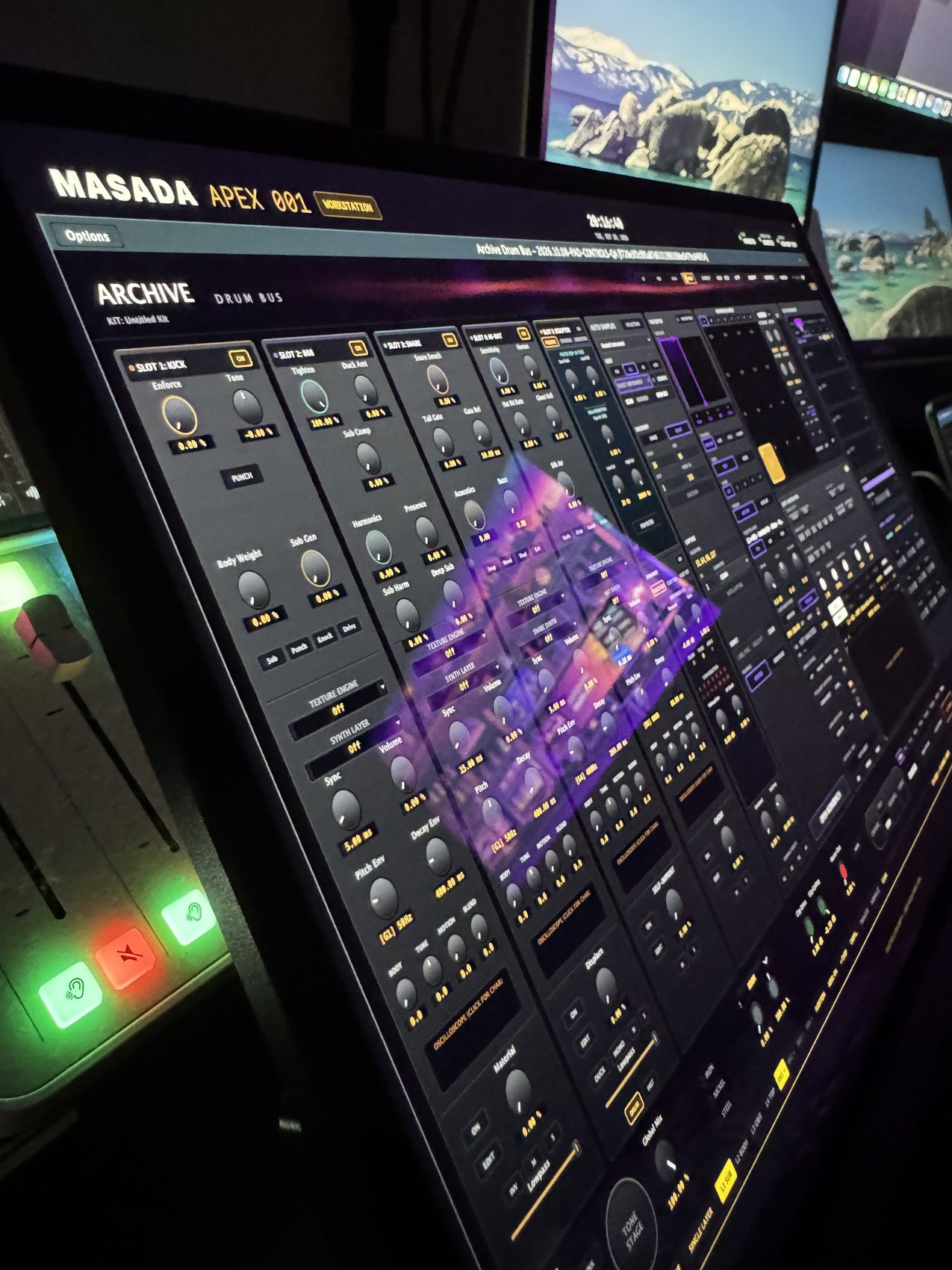
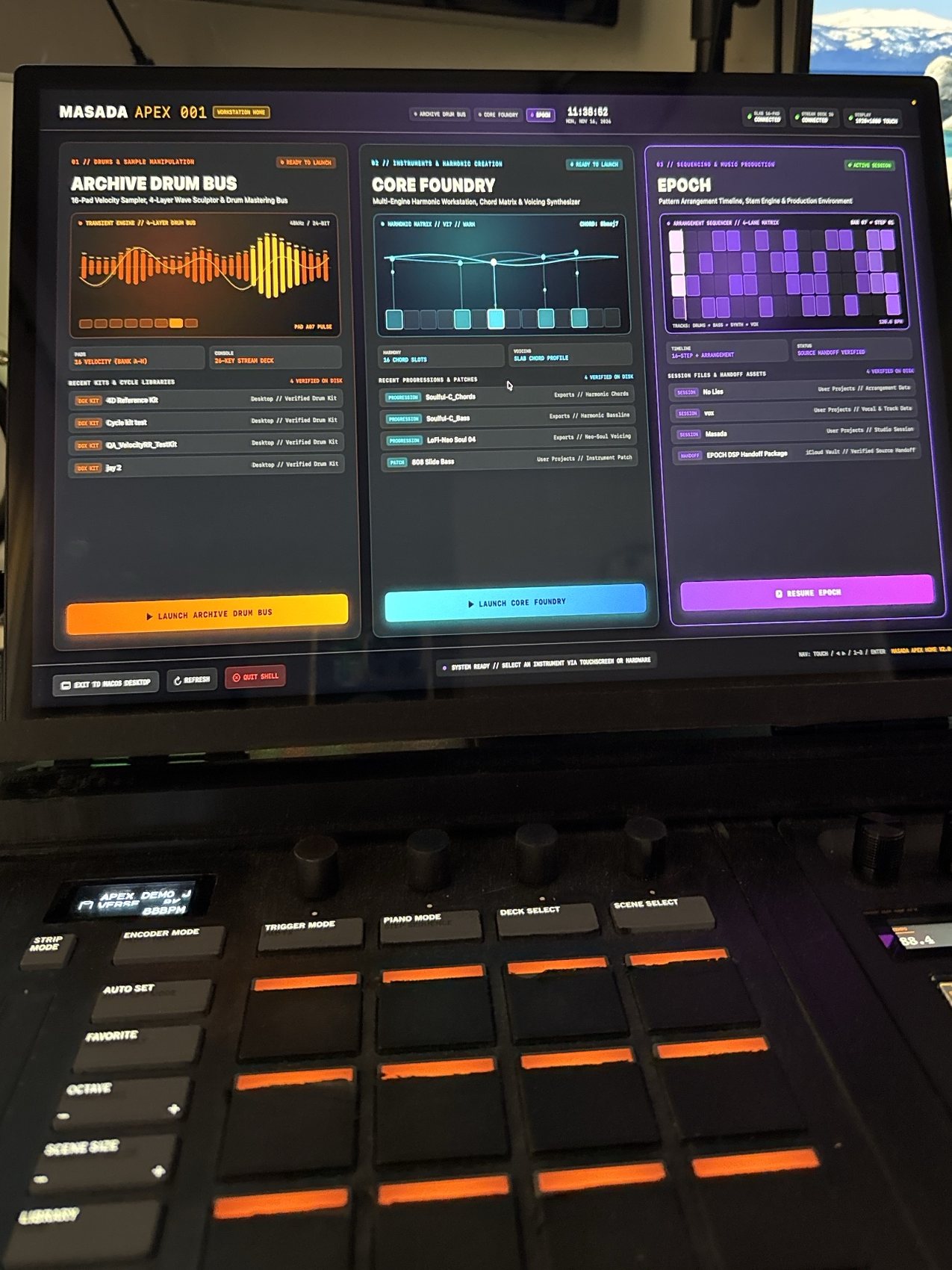
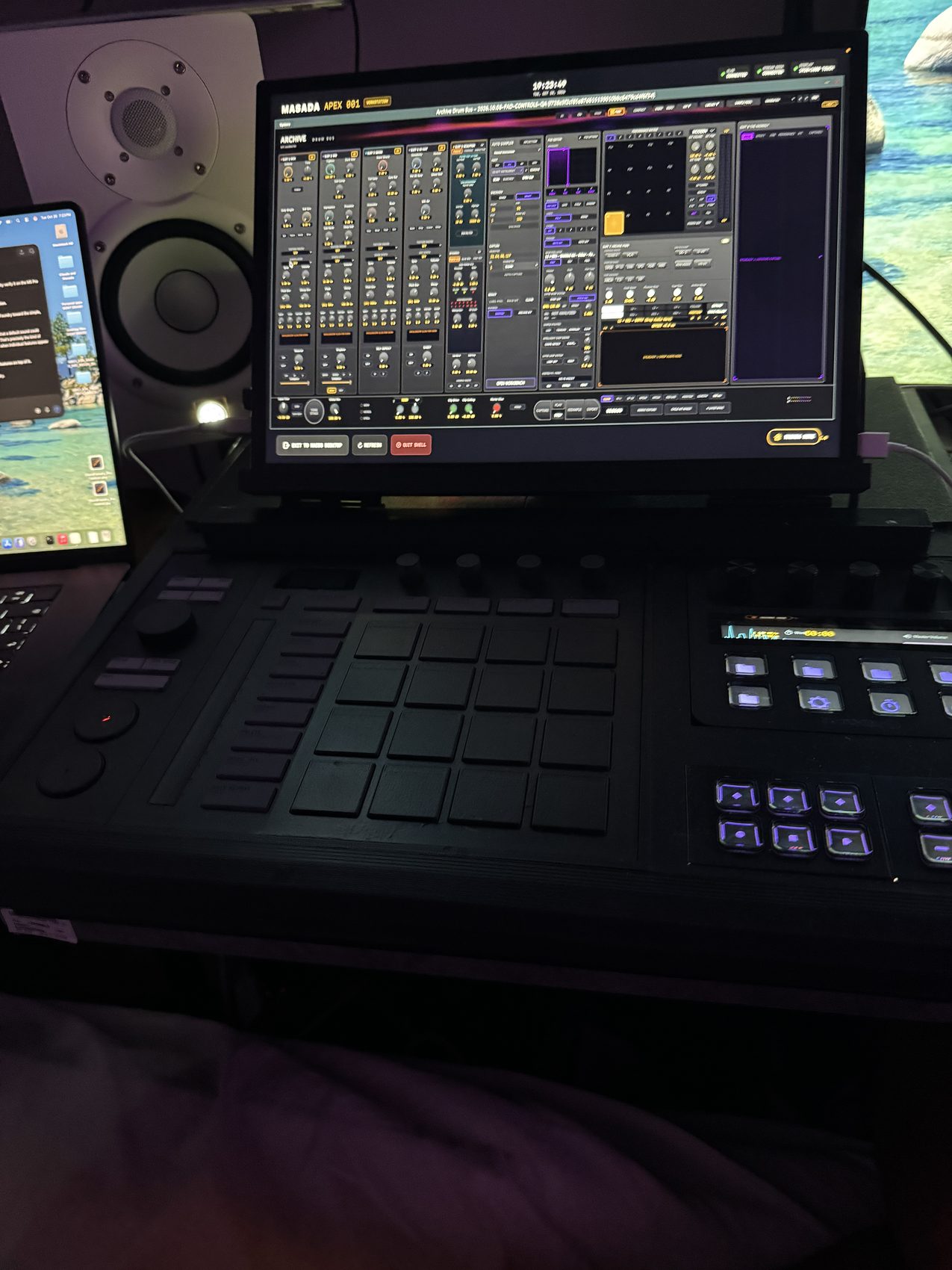
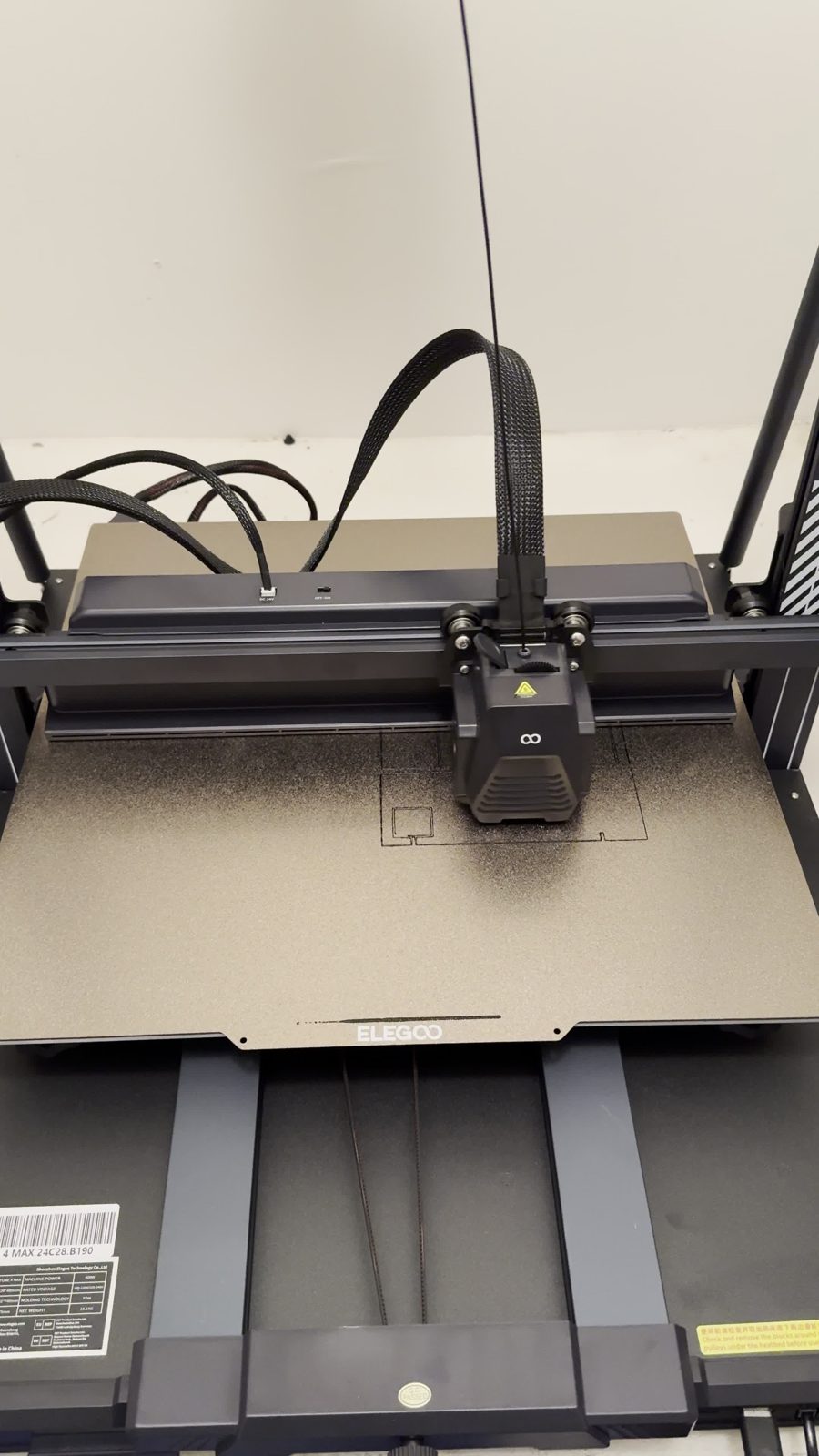
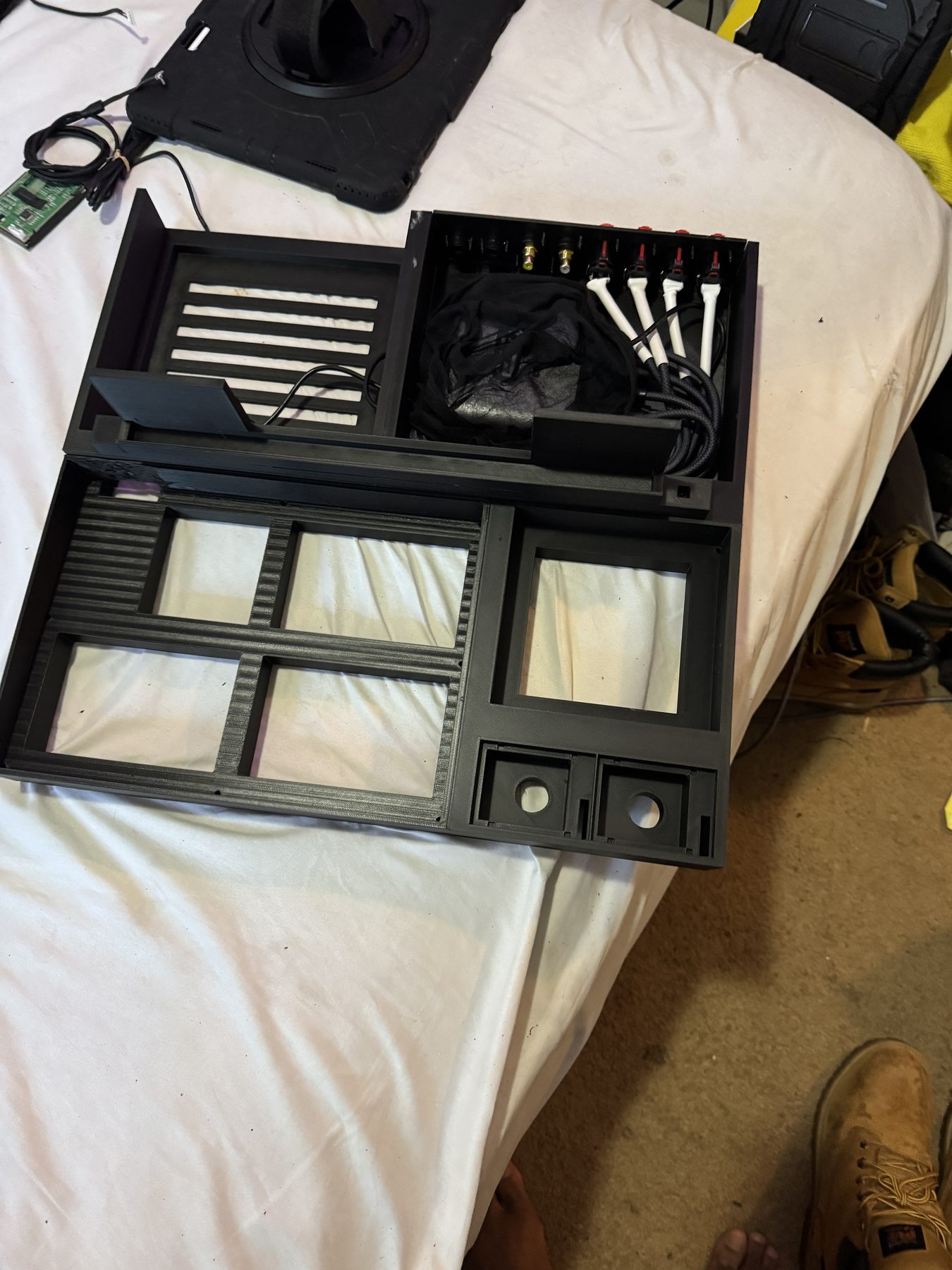
Masada designed and built Apex to make everything on this page: printed and assembled piece by piece, running Archive Drum Bus and Chord Foundry on its own screen. It isn't for sale. It's where the instruments get tested before you get them.
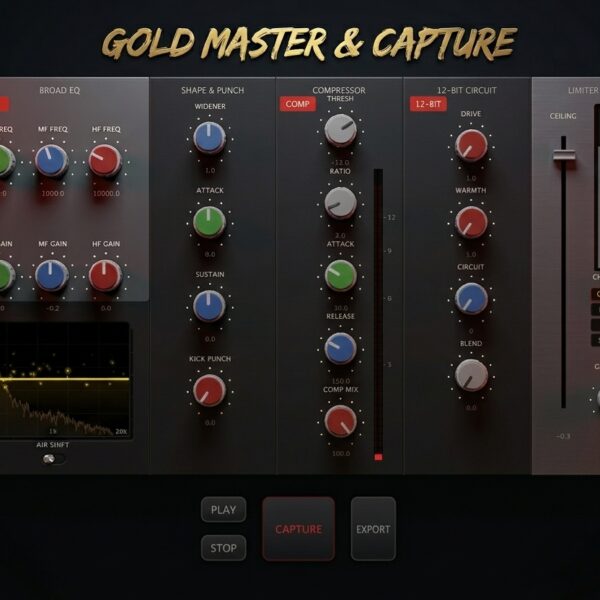
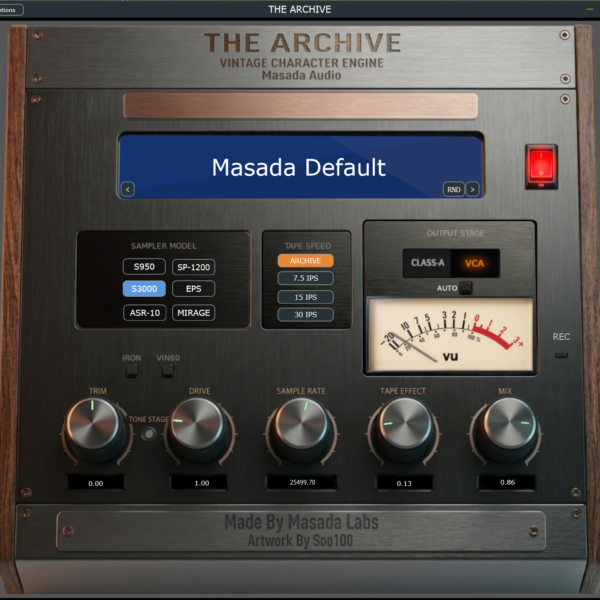
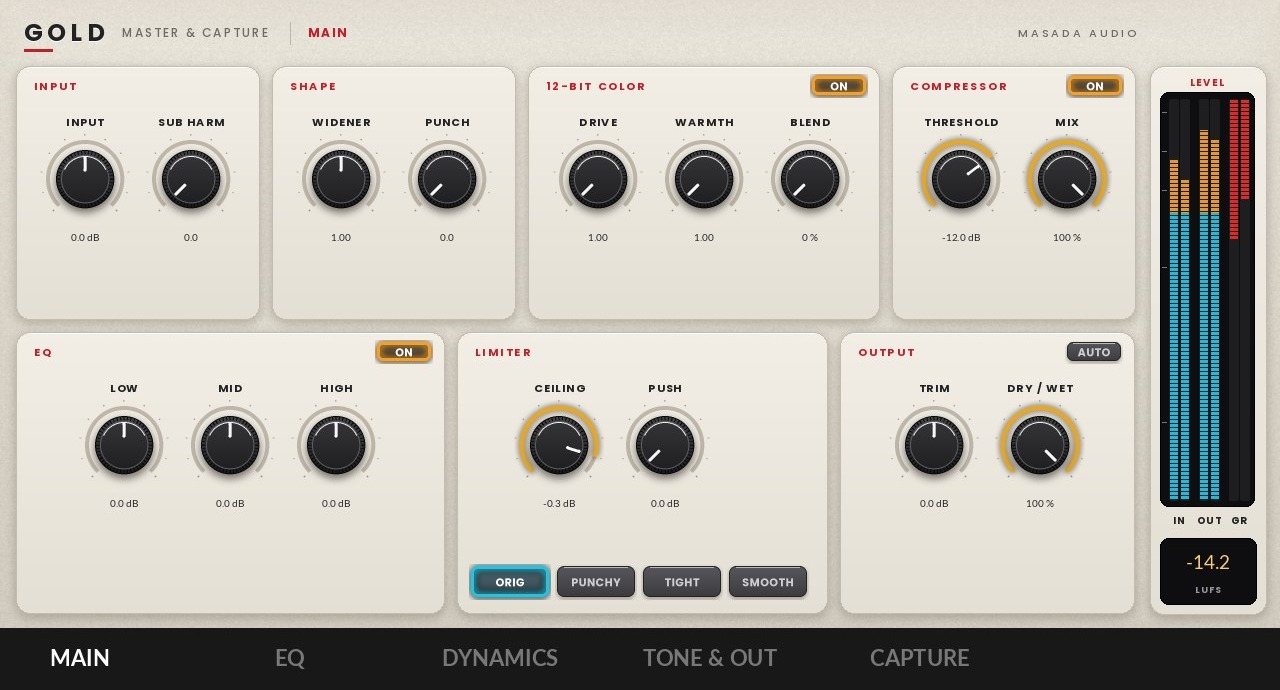
Built to sound and react like real hardware. Use them on their own, or together: Gold was made as the companion to The Archive.
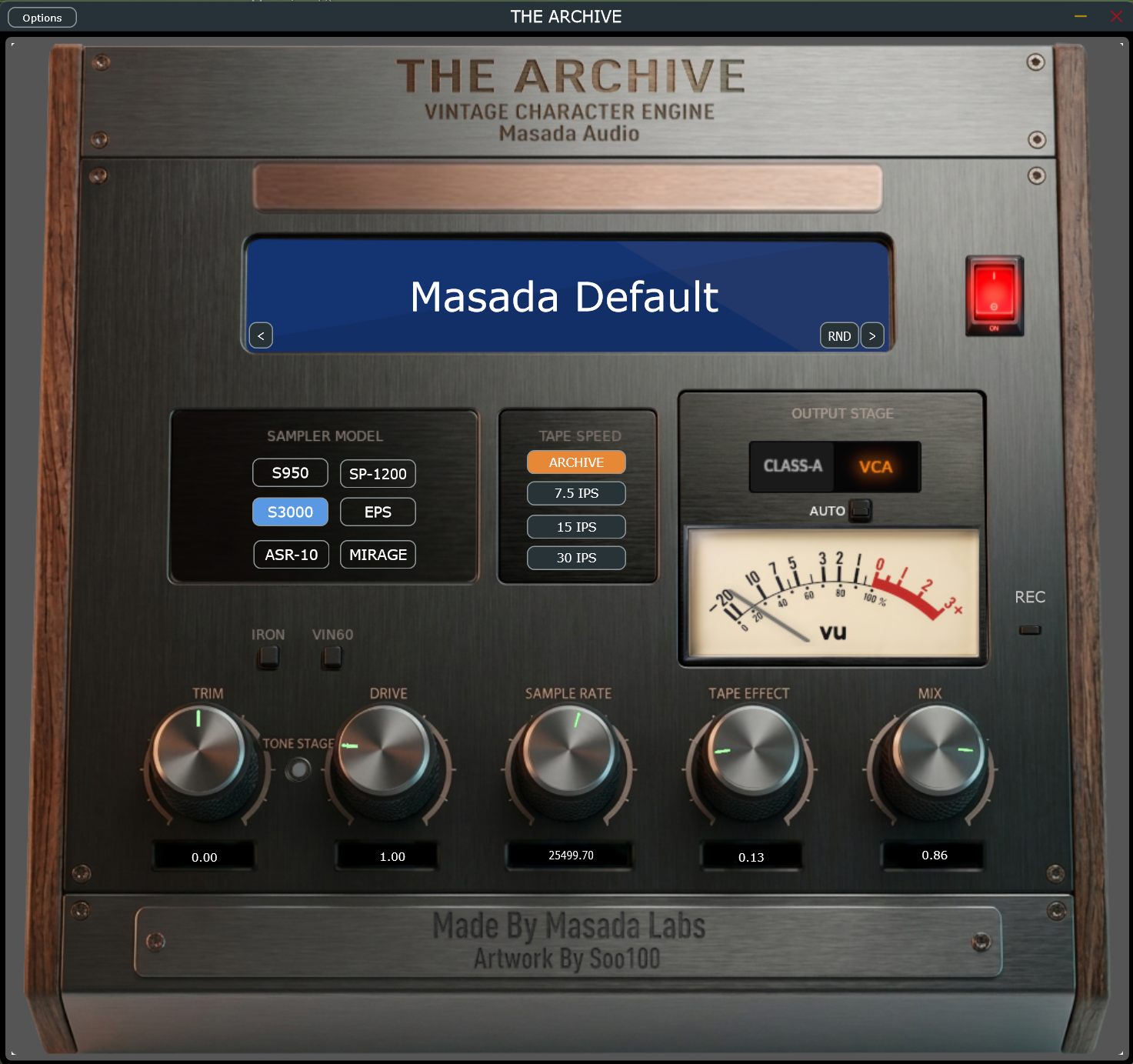
Six sampler models, tape and iron. Put vintage sampler color on anything.
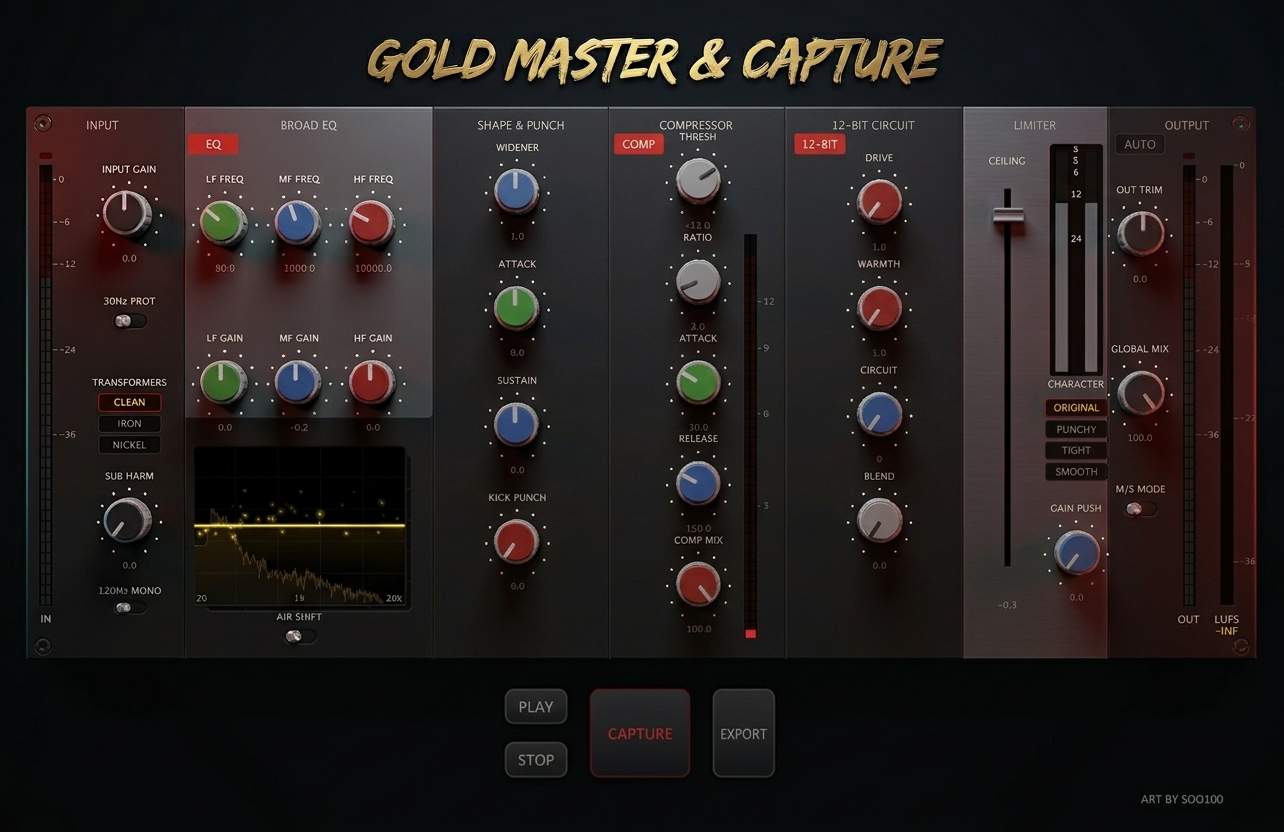
A full mastering chain with a capture recorder built in. Finish the beat, then catch the take.
Gold and The Archive run on the MPC itself, with full-color screens and Q-Link control. Capture straight to any drive in the machine. MPC versions are in final testing.
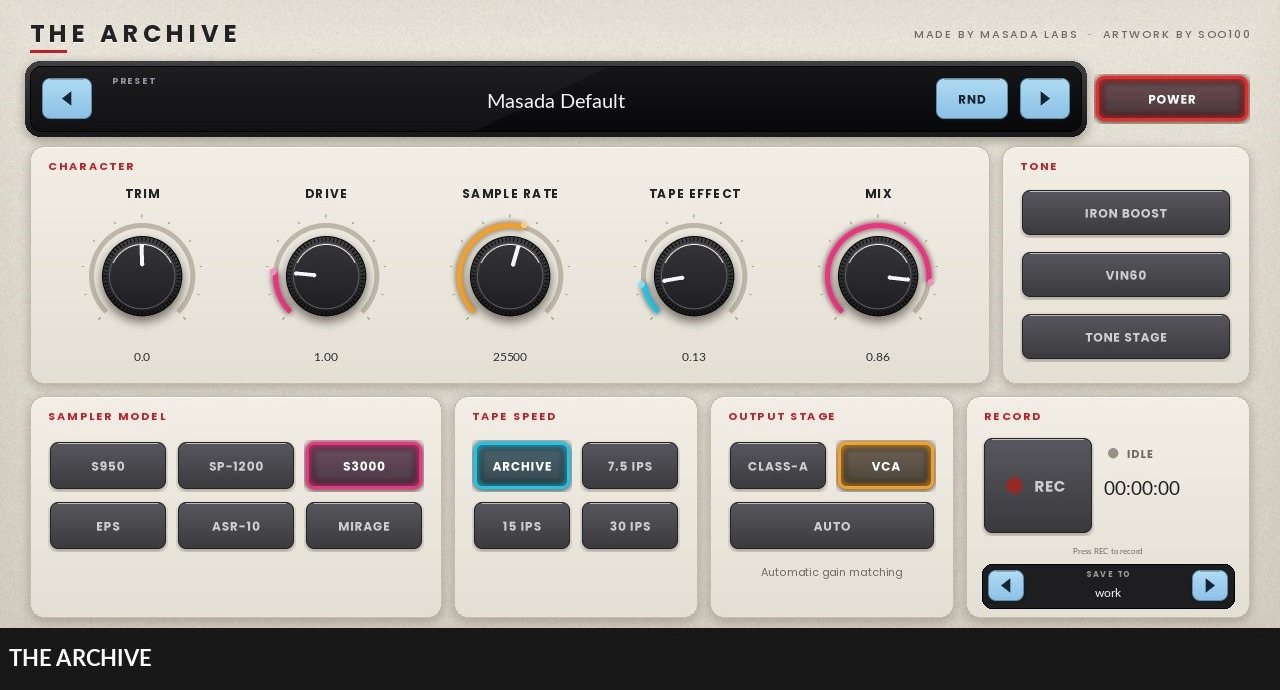
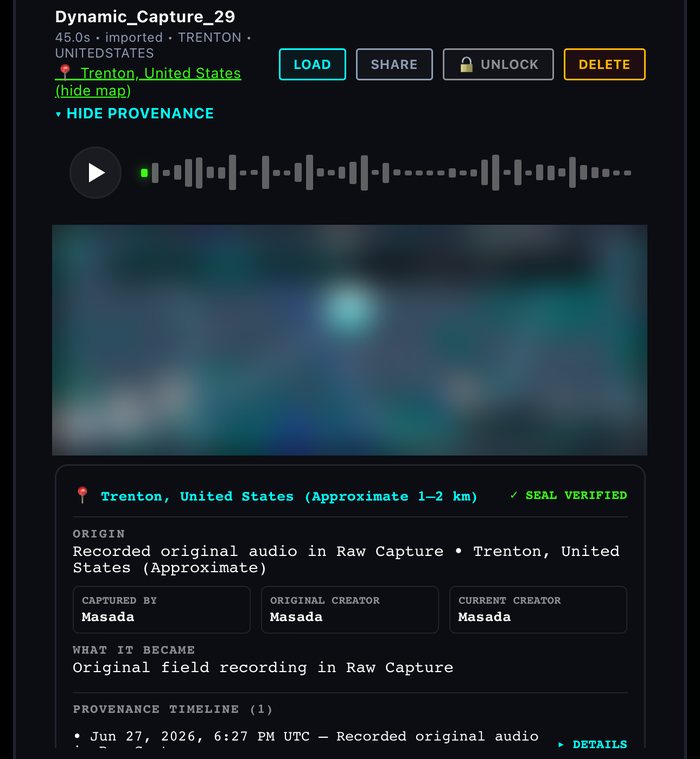
Anyone can generate a sound now. Being able to show you made it matters. That’s the reason this whole studio exists: every new instrument keeps an honest history of each sound, where it started and everything done to it since.
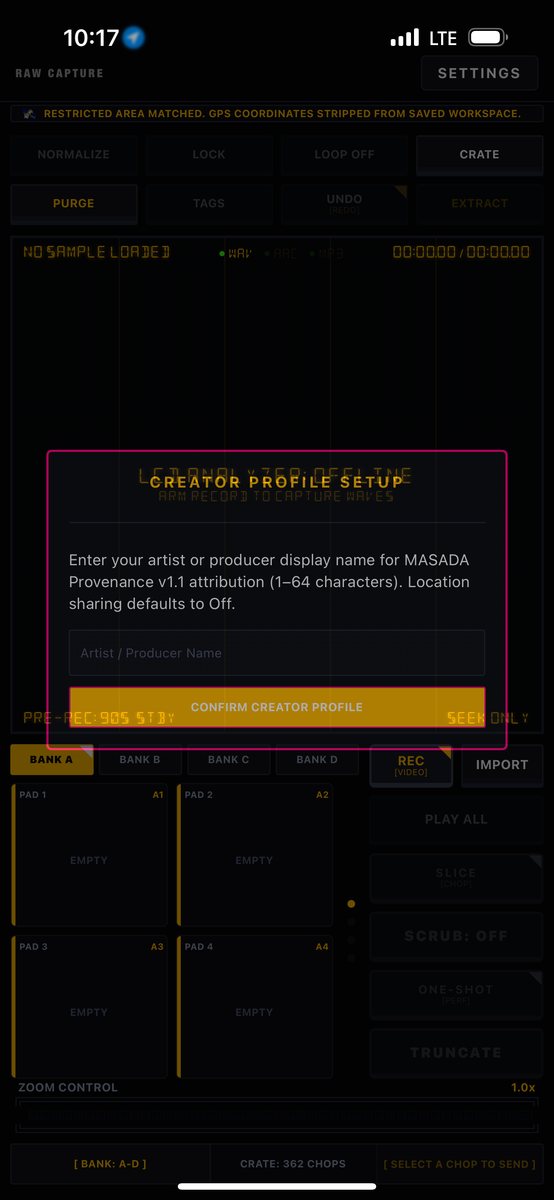
You set your name once, the first time you open any of the instruments. Nothing is credited to Masada by default.
Rename a sound, EQ it, chop it: each step is added to its record. Earlier entries are never rewritten.
Location is off by default. Turn it on and it stays approximate, with a zone around home that is never revealed.
Your sounds and their records stay on your own devices. Masada never receives them. The record exists to protect you, not to watch you.
People are afraid of what AI is doing to music. The answer is to make something that’s yours. Capture the sounds around you, shape them into your own instruments, and keep an honest record that you made them. Built for the beat maker with a day job, so the time you have goes into the music.
“By supporting me, you support yourself. The kits and expansions you build with these tools are yours to sell. My whole thing is bigger than me.”
Masada
Beats from Masada, built from the same kind of sounds you’ll find in the store. Press play.
New sessions, sound design and MPC deep dives from Masada.
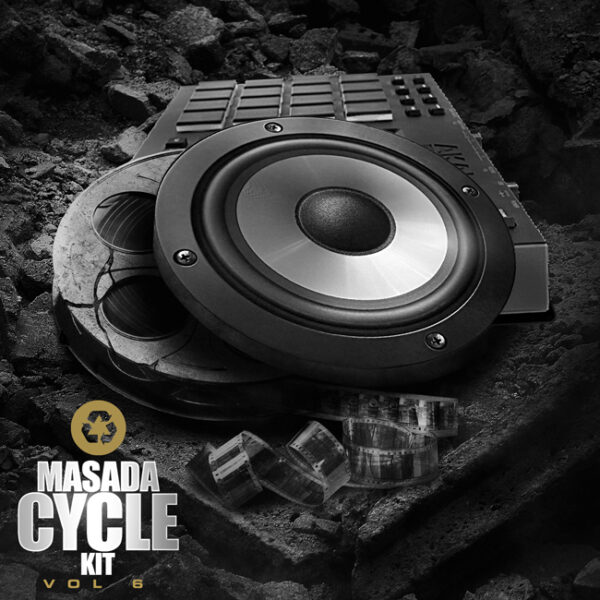
Every kit from thecyclekit.com lives here: 78 releases of drums, instruments, MIDI progressions and soul crates.
Browse the whole collection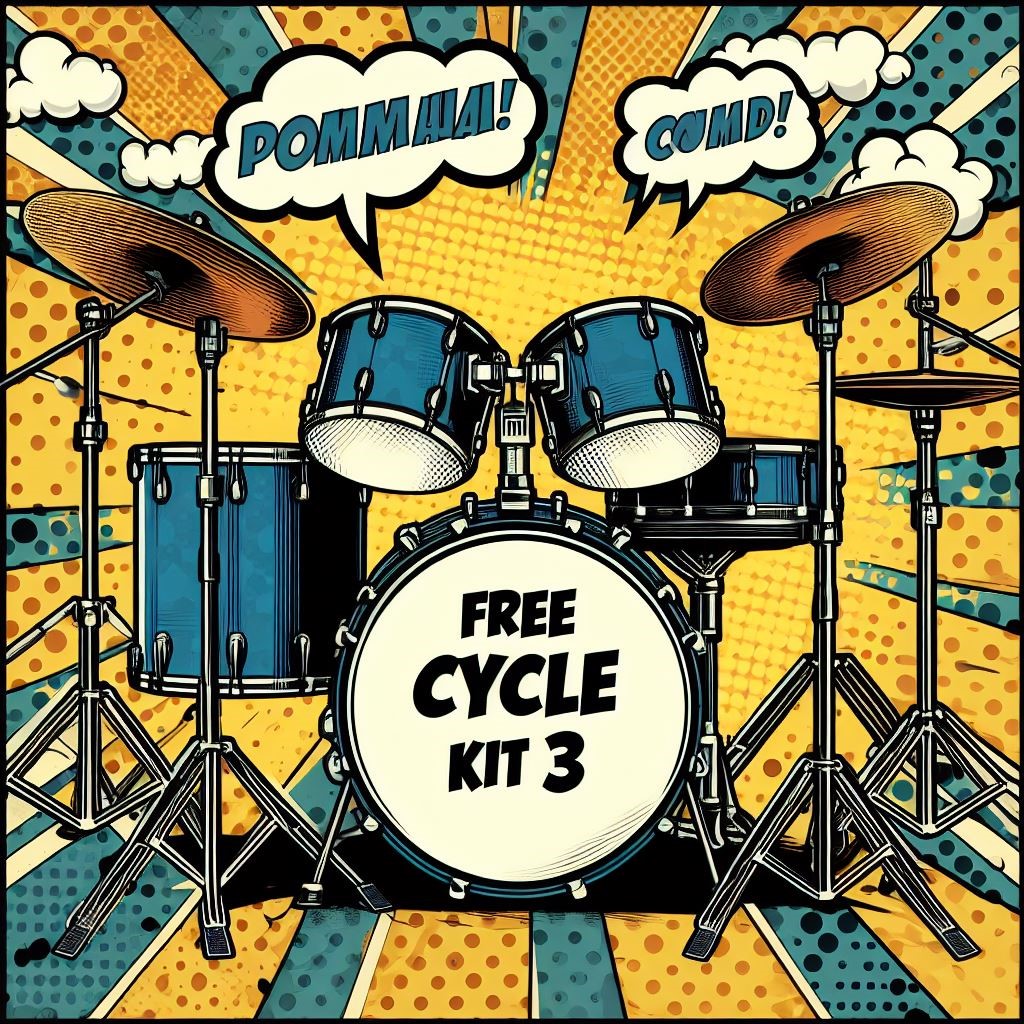 Tap to play live
Free Cycle Kit, Kit 2 and the brand-new Kit 3, which you can only get here. Enter your email and the download link arrives in a minute.
Play Kit 3 live, right now16 real pads in your browser. Hear it before you sign up.Masada replies within 3 days.
Masada will reply by email within 3 days. A copy is on its way to your inbox.